Back to all games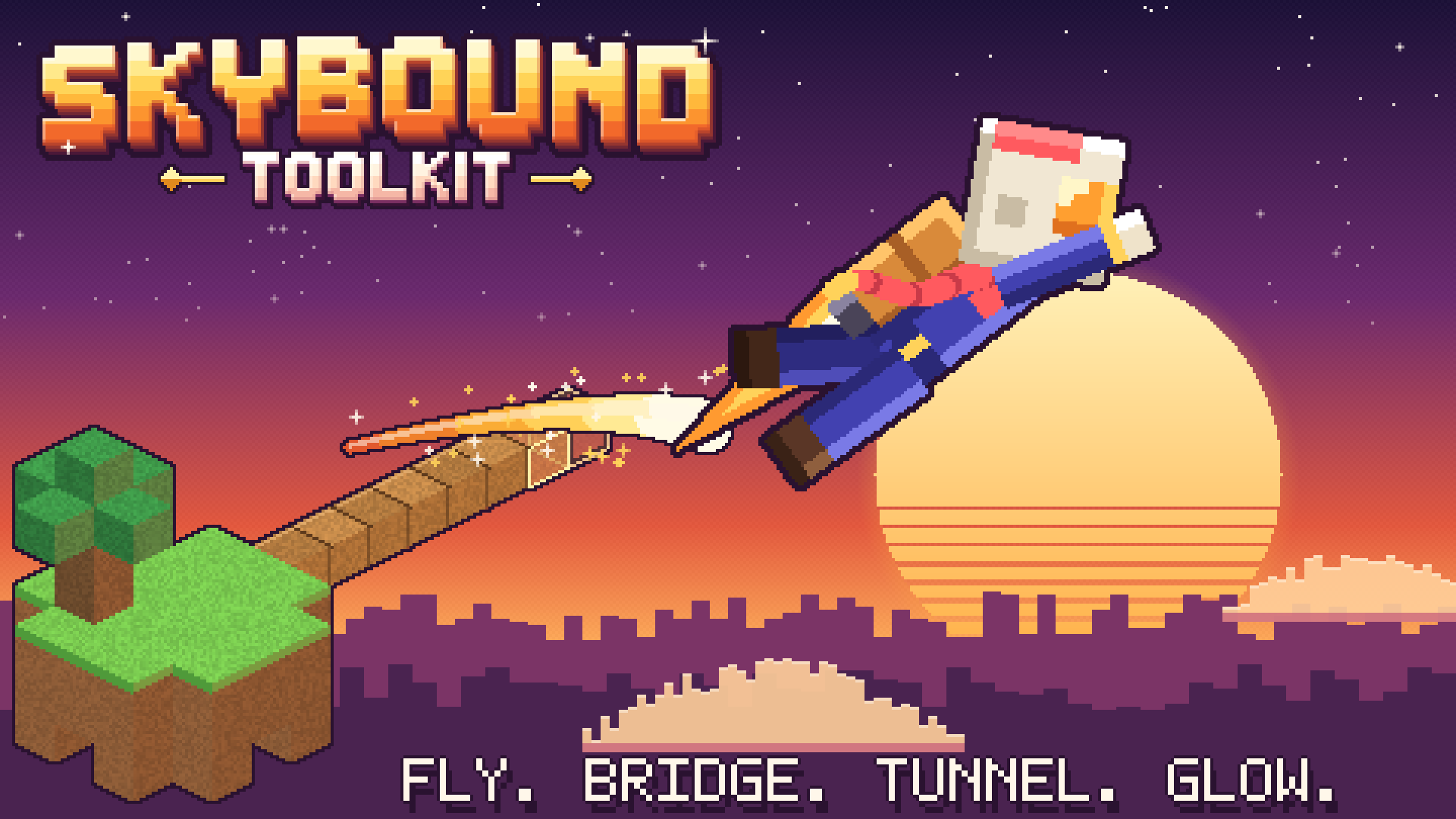
Official v1.16.5Created by Ezra-dytk (Ez)Minecraft Bedrock
Skybound Toolkit
20 one-tap family-friendly utilities, gadgets & Home Beacon for Bedrock.
About this add-on
Created by Ezra-dytk (Ez), Skybound Toolkit lets you fly, bridge, climb, light up the dark, teleport to saved Home Beacon spots, and collect Sky Stamps—all governed by parent-friendly Family Rules.
What's inside
- 20 one-tap utilities: Creative Flight, Bridging, Climbing, Night Vision, Guardian Mode, Soft Landing & more
- Opt-in 3×3 tunnel & vein mining, Home Beacon saved locations, and collectible Sky Stamps
- Built-in Family Rules presets so grown-ups can choose which helpers are allowed on shared worlds
- Zero combat automation or cheating features — built purely for creative fun and adventure
- Type /sky:menu in chat to open the menu, or /sky:off to stop everything at once
Controls & commands
| Action | Touch / Mobile | Keyboard |
|---|---|---|
| Open utility menu | Chat: /sky:menu | /sky:menu |
| Turn all utilities off | Chat: /sky:off | /sky:off |
| Switch menu style | Chat: /sky:menustyle | /sky:menustyle |
How to install in Minecraft Bedrock
- 1Back up your Minecraft world before installing any test candidate add-on.
- 2Download Skybound-Toolkit-v1.16.5.mcaddon from the official GitHub Release link.
- 3Open the file so Minecraft imports both Behavior and Resource packs.
- 4Activate Skybound Toolkit 1.16.5 and its matching Resources pack in World Settings, enable Beta APIs if prompted, and run /sky:menu in game.